
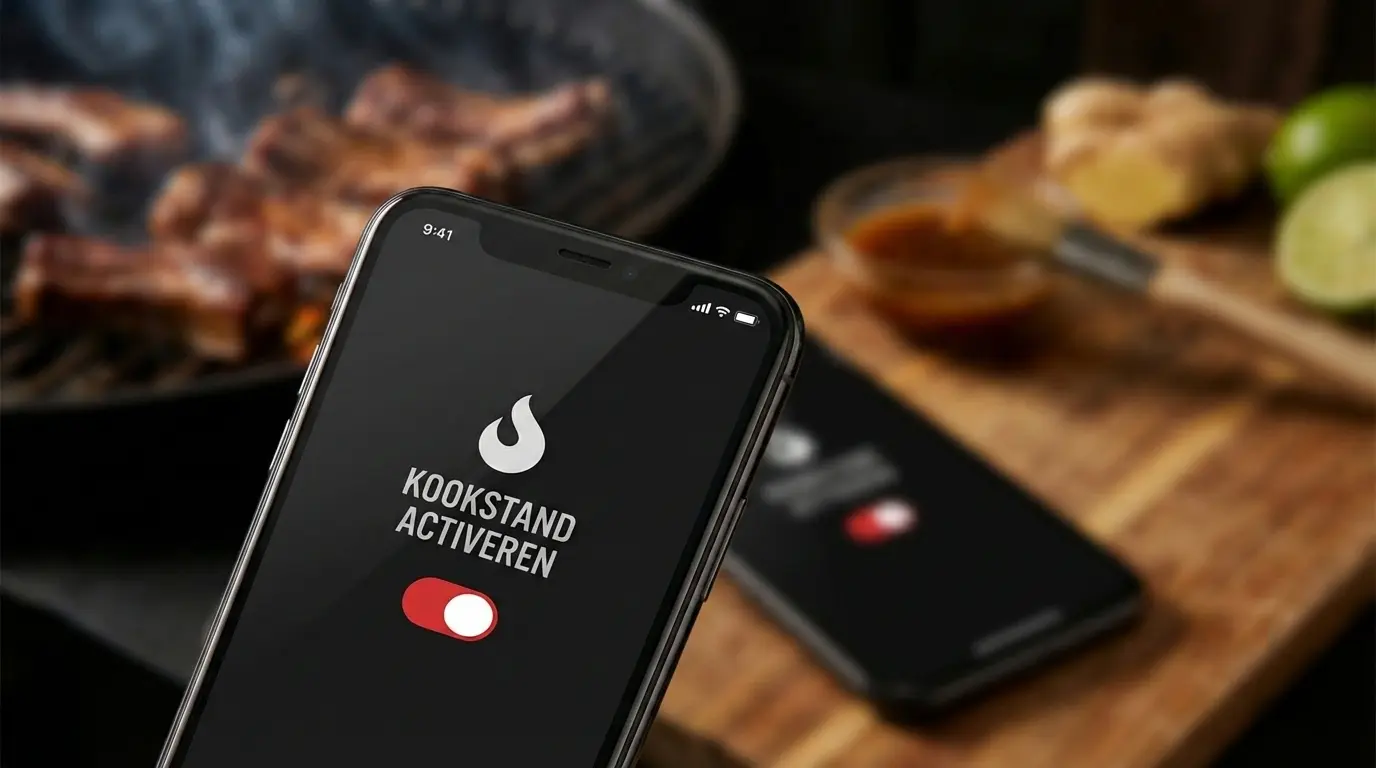

Especially for the messy chefs, we developed 'Cook Mode'. This isn't just a button, but a complete mode that assists you while grilling:
Tired of your screen turning off while grilling? Learn how to use 'Cook Mode' for hands-free cooking, automatic scrolling, and an always-on display while you grill.
Hands-free Cooking: 3 Smart Features
Always-On Screen
Your screen stays active as long as you are on the recipe page. No more black screens and no dirty fingers on your glass.
Focus Mode
The interface automatically switches to a dark theme. This is easier on your eyes in the evening and saves battery.
Autopilot
This is the coolest feature: Check off a step? The screen automatically scrolls to the next step.
(This is a demo: click to test how it looks!)
How does it work?
It's very simple:
1
Open a recipe of your choice.
2
Look for the ingredients list.
3
Click on the 'Cook Mode' block (with the flame icon and toggle switch) directly below the ingredients.
